Tracked record of a personal development activity using ROS (as if we "jog" (love jogging!)). Things commonly beneficial is likely to be posted on somewhere more public (e.g. wiki.ros.org).
New version of MoveIt! binary 0.7.6 is just released for ROS Indigo,
first time in 2017 (for sure!) and first release since June 2016. This
version comes with some long-wanted features (along with bug fixes of
course) that we’re trying out using NEXTAGE simulator.
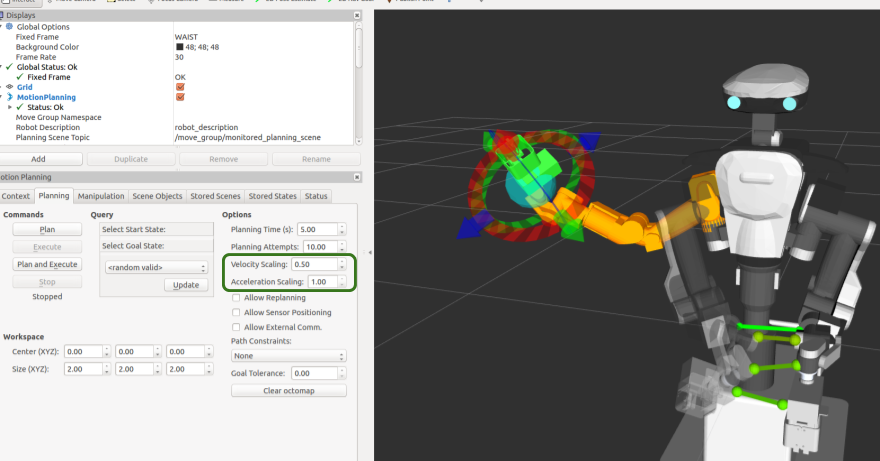
1. Changing trajectory velocity and acceleration during runtime
Changing the speed of the trajectory during runtime has been one of
FAQs from NEXTAGE users who use MoveIt!, let alone many MoveIt! users on
the globe. Now through MoveIt! RViz plugin you can conveniently
configure that on the fly on the spinboxes added.
ROS device driver for force-torque sensor Dynpick, one that TORK joins its maintenance, has been known to work for a discontinued product only so far. Now someone in the opensource community just confirmed that the package works with a product that’s still available!
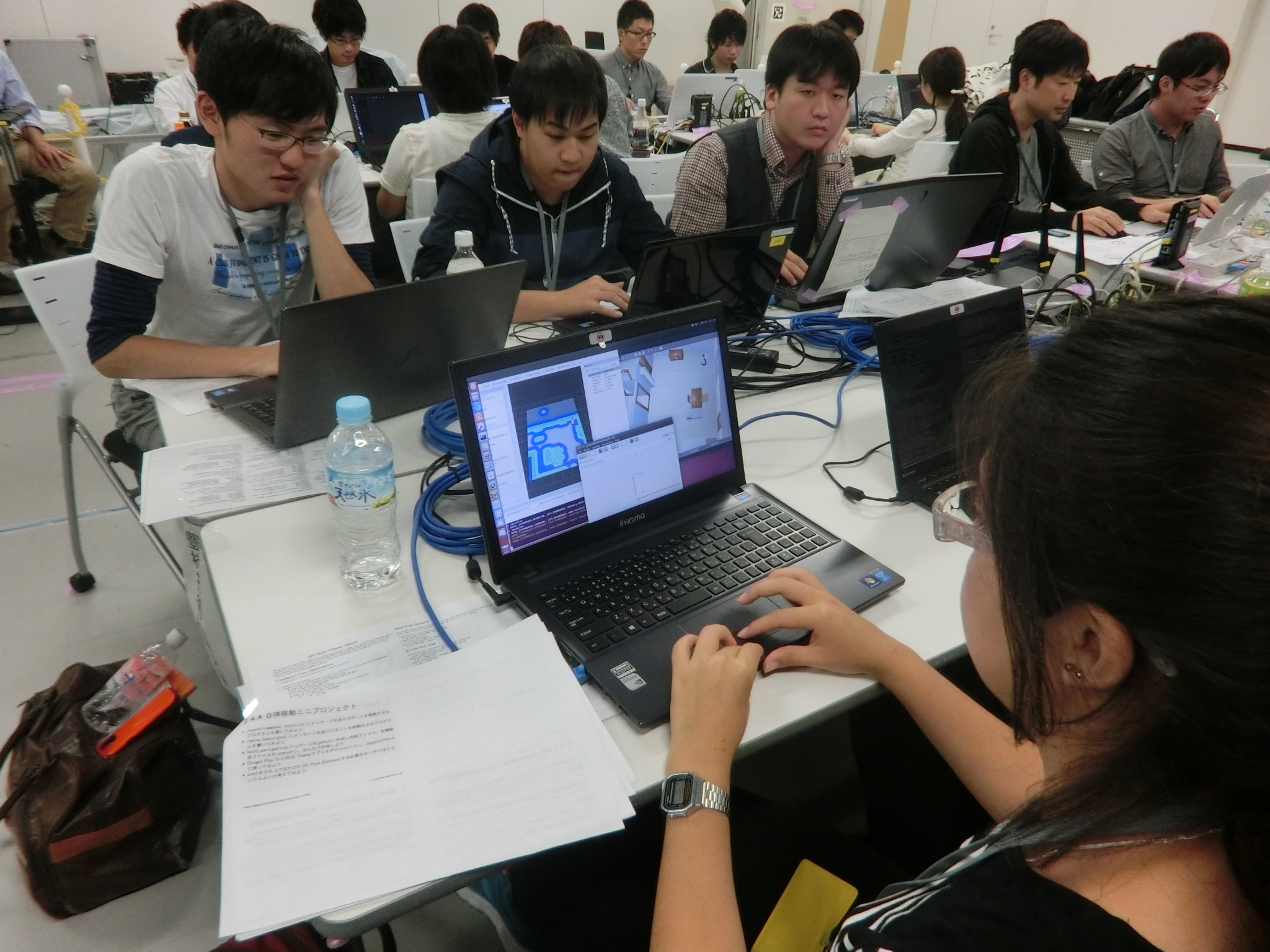
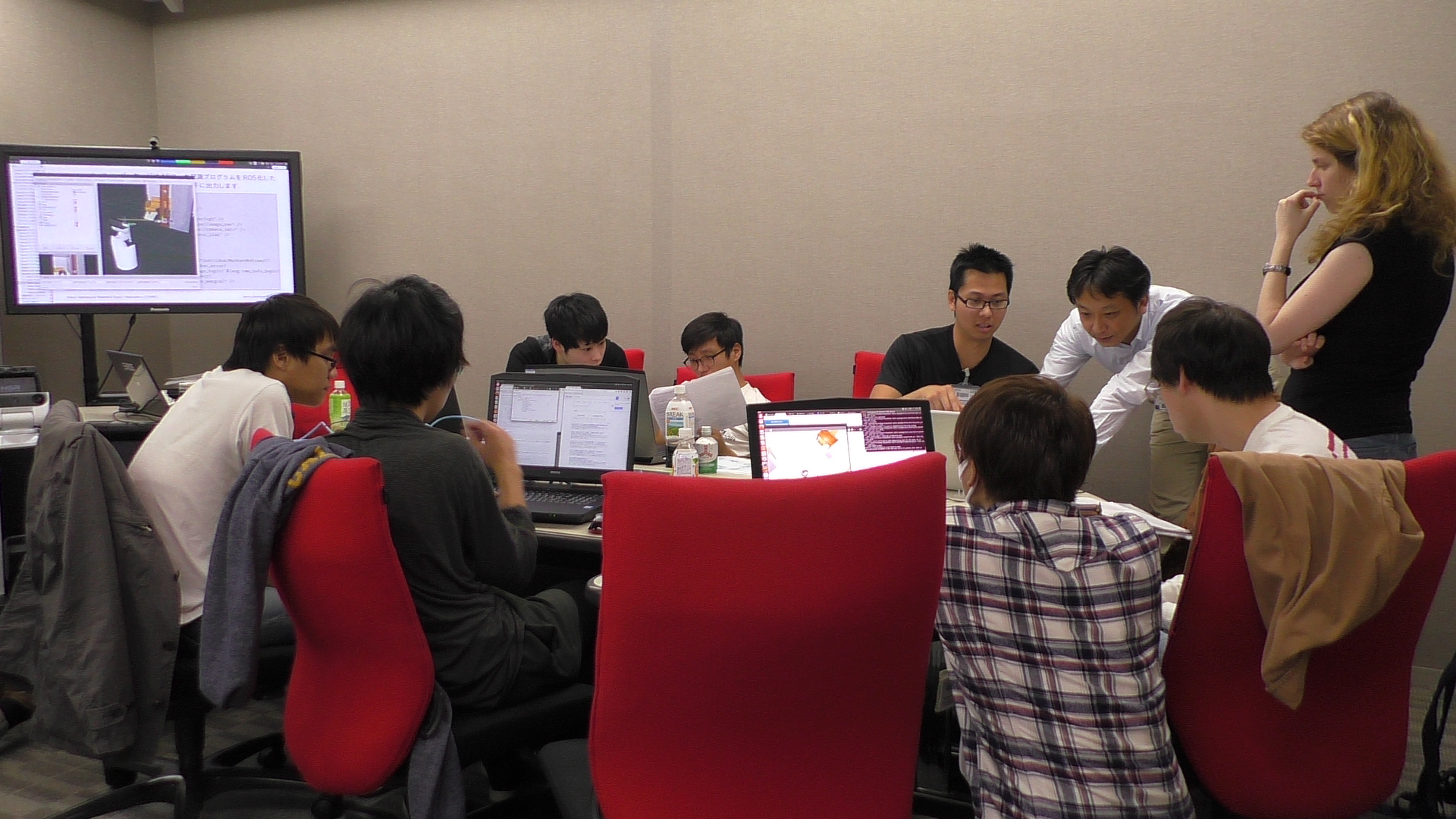
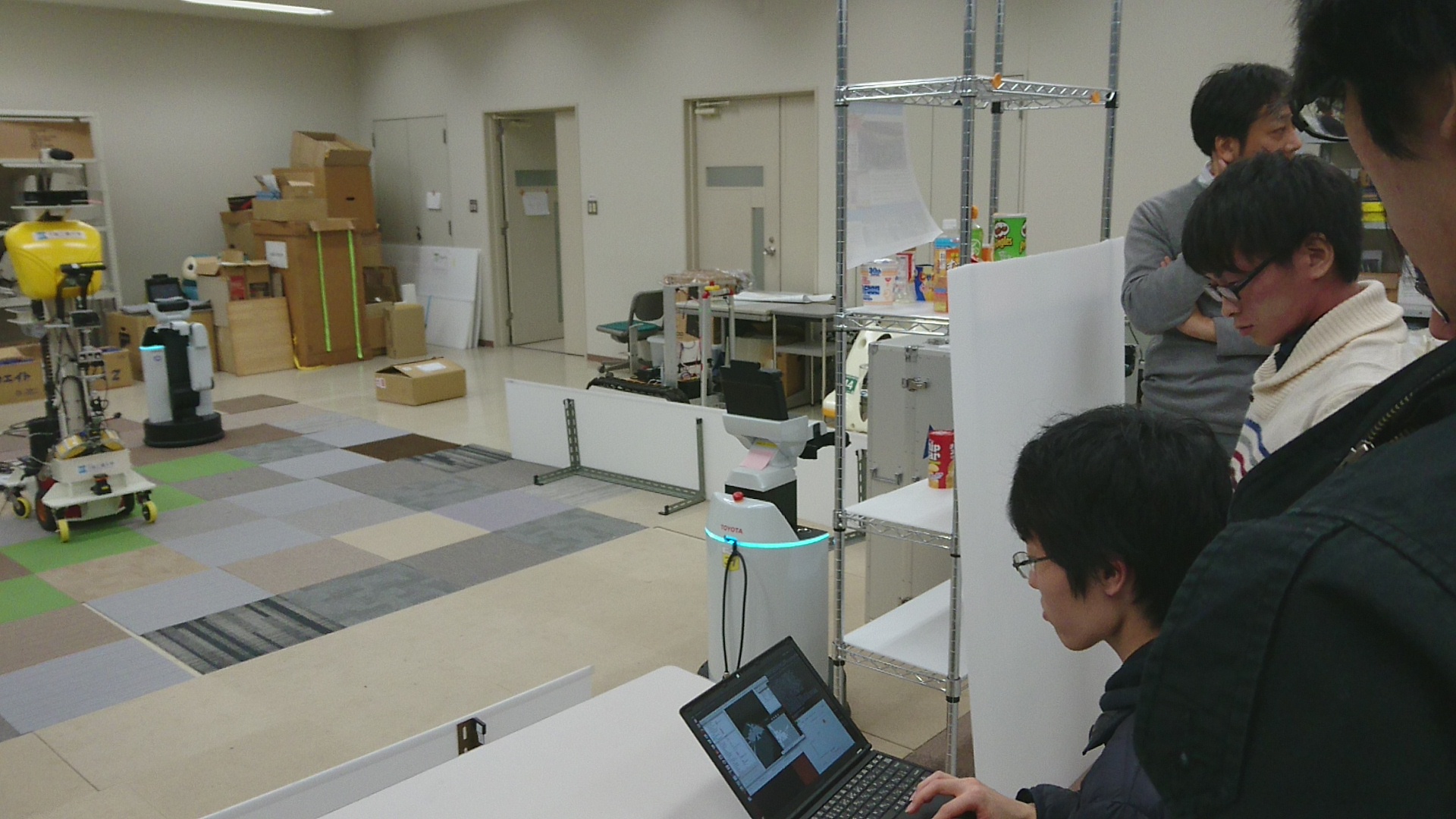
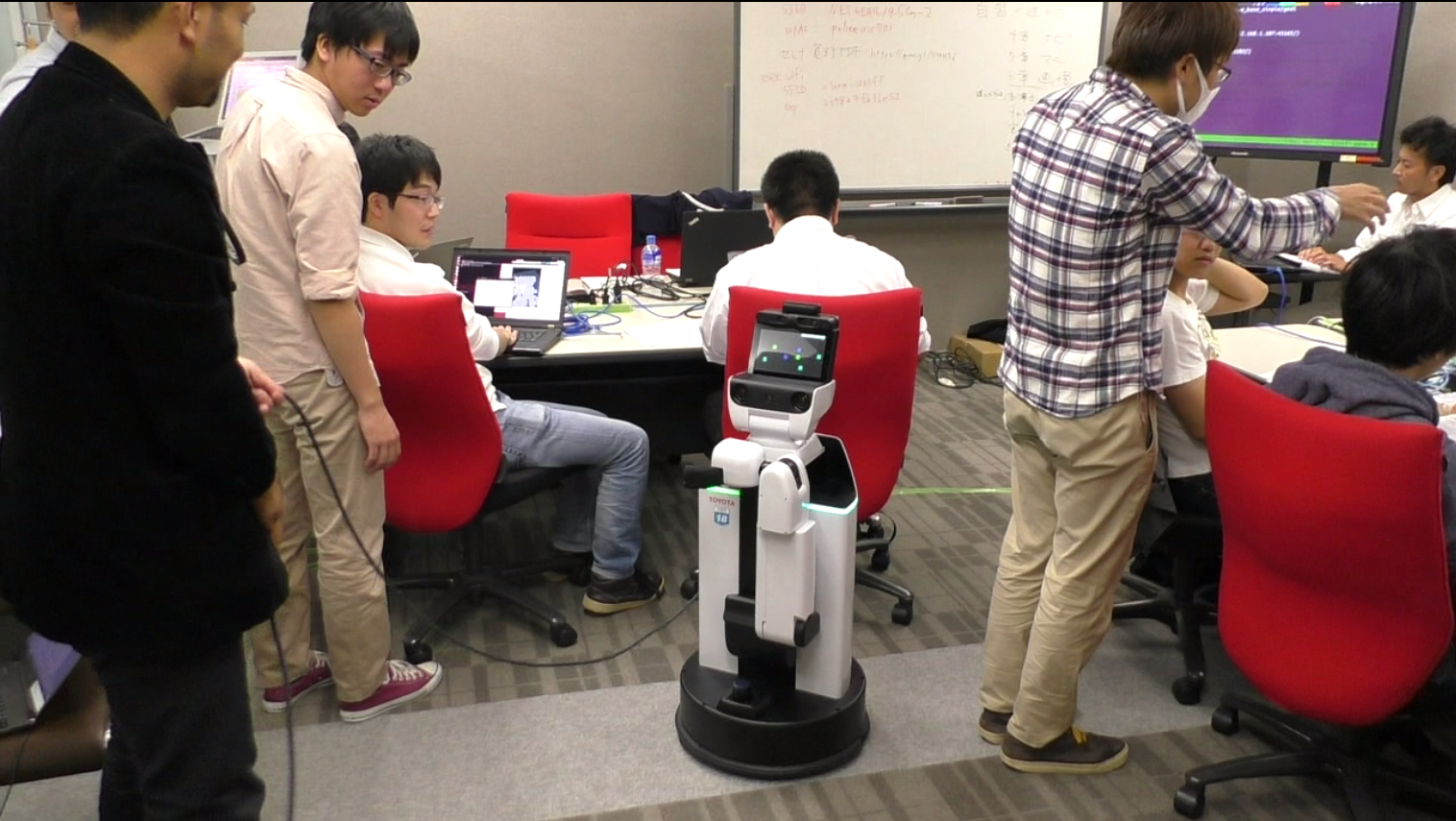
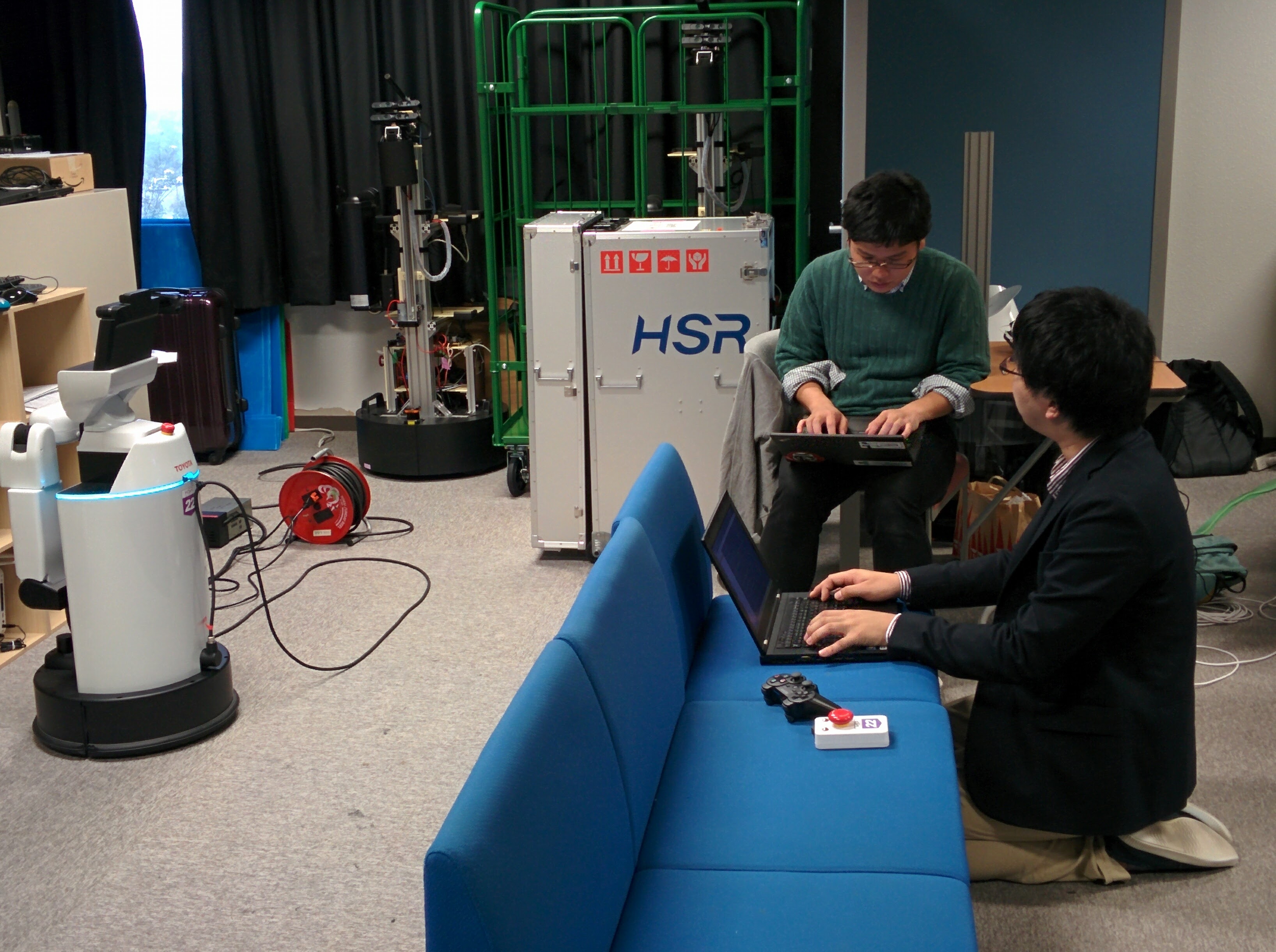
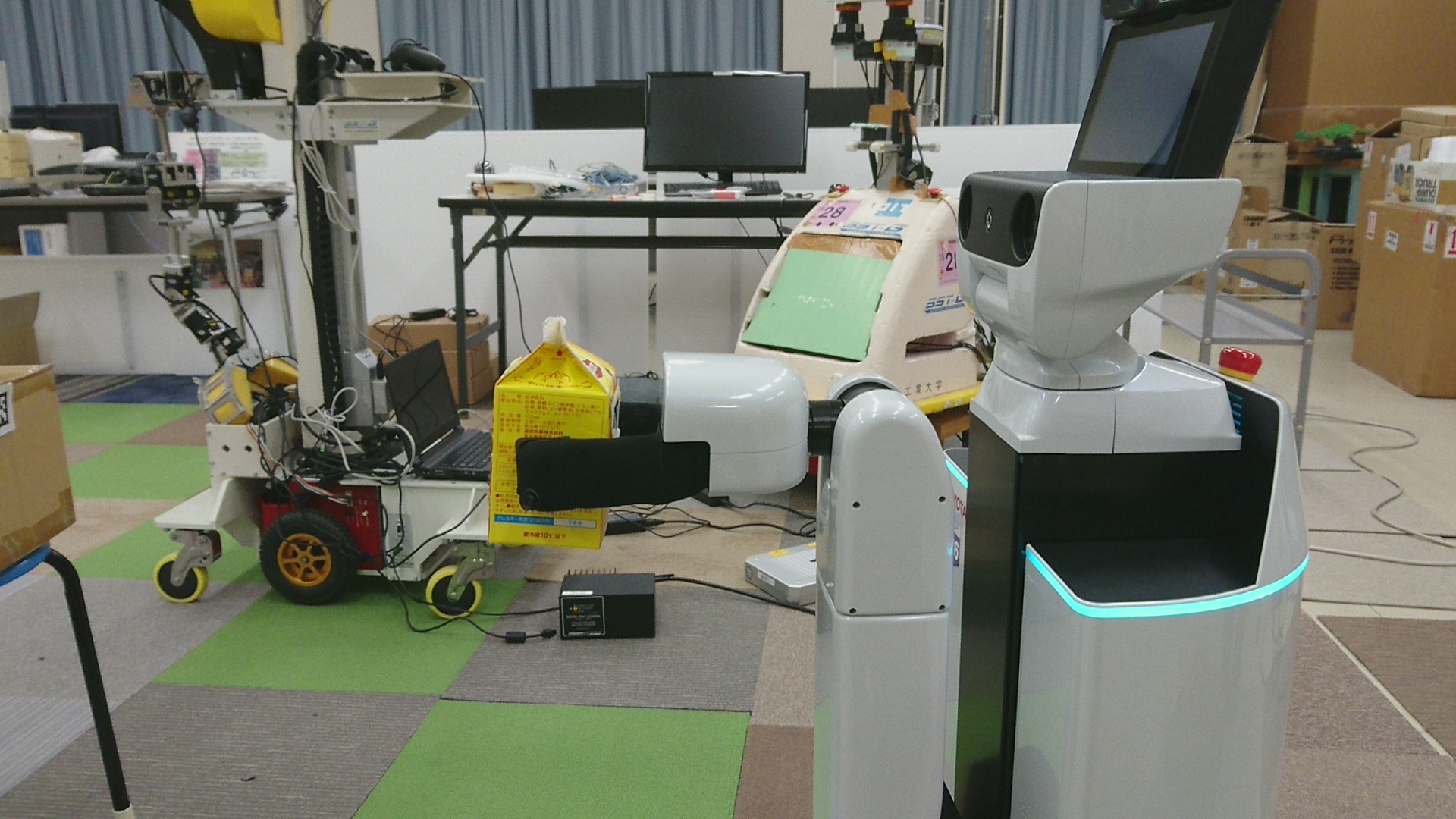
TORK has been partnering with the“HSR”welfare robot’s dev team at Toyota Motors Corporation (TMC). In2014andthe last year 2015we worked together with them for the hackathon.
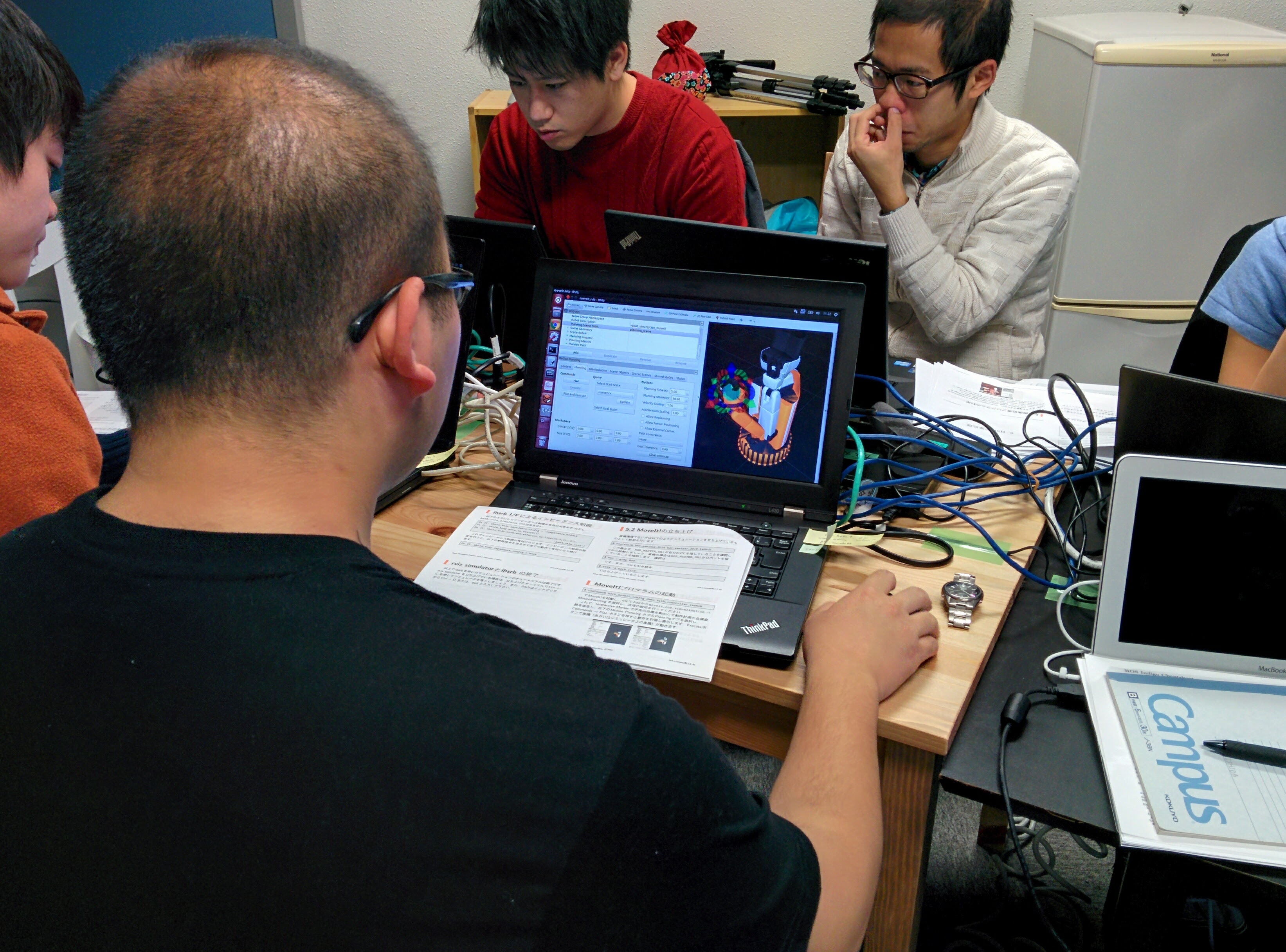
This year we worked with TMC again to host developers workshop at 4 venues in Japan. In addition to going over the robot’s unique features and programming usingROS, we particularly focused on utilizing the online community designated for HSR owners, which TMC initiated in 2015 and maintains by themselves (membership-only as of today). Goal is that participants get hands on experience in interacting on the developers community so that they can accelerate their own development, which also contributes to develop the community size and maturity, which the developers ultimately appreciate. That said the seminar series this time is the beginning of building the community’s life cycle as TMC’s dev team intended.
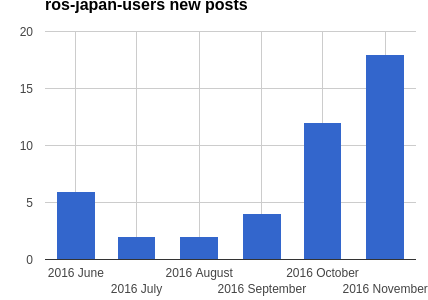
Also discussed is problem isolation – engineers often need to figure out the types of problems and post questions at the best community per incident. This is more an advanced subject, but participants well exceeded our expectation to separately post HSR-specific questions and generic-ROS questions on the forums of each. This may have resulted in the positive spike of the number of posts at the ROS Japanese user groups as you see in the graph below (workshop series started in October).
Closing this blog post with some videos from the code challenge at the end of the workshops (if you're not seeing any video snippet, go to the original blog post). We truly hope that we’ve contributed to the HSR and the world of robotics community by encouraging community involvement.
When finishes compilation, `catkin build` shows a pop-up window at
the top-right on your screen (if you’re on Ubuntu Linux), which
indicates `Build Finished` or `Build Failed`. This is nice in that you
can work on another windows without payting attention to catkin’s
progress. Caveat is, though, that “Finished” and “Failed” aren’t that
obviously differentiating whatsoever.
With the newer version of catkin-tools, 0.4.3 or higher, the window
pops up with a distinguishable colors; Green for success and red for
failure.
This little but significantly effective change is done by our TORK
associates again. The change was made swiftly and neatly as it has
always been in the opensource software community.
One of good news about ROS community is that the maintenance of
MoveIt! got revitalized where TORK is contributing to as well. In 2016 there
has already been three binary update releases so far. No more building
from source if you were forced to!
We’ve mentioned about MoveIt! a few times recently ([1],[2]), so do we today again. With the version 0.7.2 (on ROS Indigo), you can operate robot arms by joystick via MoveIt!
Running the feature is as simple as joystick. On RViz on the host
where the joystick is plugged, check “Planning” tab –>
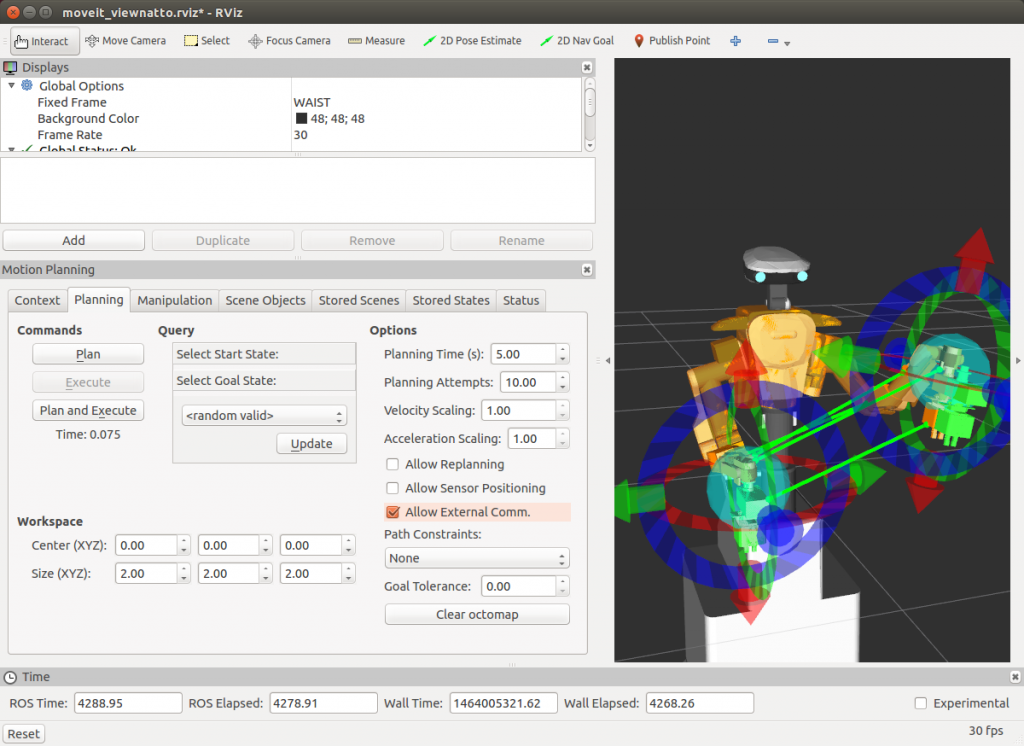
“AllowExternalExecution” (see the image below).
Then run a launch file, either the one in your XXXX_moveit_config
package if there’s already the aforementioned launch file, or simply
make a launch file with the following:
<!-- https://github.com/ros-planning/moveit_setup_assistant/pull/90 -->
<launch>
  <arg name="dev" default="/dev/input/js0" />

  <!-- Launch joy node -->
  <node pkg="joy" type="joy_node" name="joy">
    <param name="dev" value="$(arg dev)" /> <!-- Customize this to match the location your joystick is plugged in on-->
    <param name="deadzone" value="0.2" />
    <param name="autorepeat_rate" value="40" />
    <param name="coalesce_interval" value="0.025" />
  </node>

  <!-- Launch python interface -->
  <node pkg="moveit_ros_visualization" type="moveit_joy.py" output="screen" name="moveit_joy"/>
</launch>
For the detail follow the usage page.
To run on NEXTAGE Open, make sure MoveIt! is running then run a single command below (modify jsX). You can also refer to wiki for joystick usage for NEXTAGE Open.
(At the top window, the human operator plans the movement on RViz visualizer. Once the plan looks good then operator executes the plan so that the simulated robot in the bottom window conducts the movement. This is a screen capture so joystick isn't invisible, but yes, all the robot's movement is commanded from a Sony PS3 joystick.)
When making a map using ROS, you’re
likely tele-operating your robot for every single move via keyboard or
joystick at best. But I know a demand exists for “planning” in advance a
region that robot explores to make a map.
That’s where a package called frontier_exploration gets useful; it provides ROS actionlib interface, through which users can send the location to explore. We just made a sample using Turtlebot to show how to integrate frontier_exploration package into your own robot. Resulted package can be seen at turtlebot_samples. As the following movie (It’s long! You’re warned…) shows, you can run by a single command Gazebo simulator, spawn Turtlebot on a sample map and send a command for the exploration.
You set the region to be visited by drawing a polygon on RViz, then
after clicking a point within the polygon robot will move. Once it
starts moving user isn’t sending anything (robot moves autonomously to
the given goal along the computed path).
Shorter video is also available (it’s not Turtlebot. Video was taken
by the original developer of the frontier_exploration package)
In these videos the robot is commanded manually on RViz window. You can also send commands programmatically using its API.
So far we confirmed that frontier_exploration can be applied to the robots with gmapping and move_base (incorporating with other navigation packages may be as simple?).
A user reported an issue in tf with NEXTAGE Open software
that got resolved in a quick fashion thanks to opensource collaboration
across organizations/userbases. Binaries (the ones installable by
apt-get) including the fix is already available online. Please see more
detail of the issue and how to apply the fix this ticket on github.
We, TORK, thinks without any doubts that the big advantage of making
software public is that you get testers from across the globe. The fix
this time is a true realization of this opensource dogma; if I review
the ticketed report for this issue on github now, you’ll see the flow:
A user reported the issue.
–> Someone from robot’s manufacturor gave a comment.
–> Another heavy user commented.
–> Maintainer (us) created a fix candidate.
–> Reporter user tested fix candidate and confirmed that it fixes.
–> Maintainer pulled in the fix.
At least four persons from different organizations contributed so far
up to this point, within only a week timeframe. And everybody is not
obligated to this ticket (but us).
Going further, once the fix is pulled then it’s also important to
make the fix easily accessible by the users. Having them as binary form
is the way to go. We do that by relying on the platform the ROS
maintenance team (OSRF) runs, as have we already done so. Steps for that is really simple (*1):
TORK believes that opensource software development contributes to
improving quality and fastening the engineering cycle for the
corporations. That’s why we have and will continue contribution to the
opensource community.